SMS Review Requests vs In-Store QR Review Workflows: Which Should a Local Business Use?
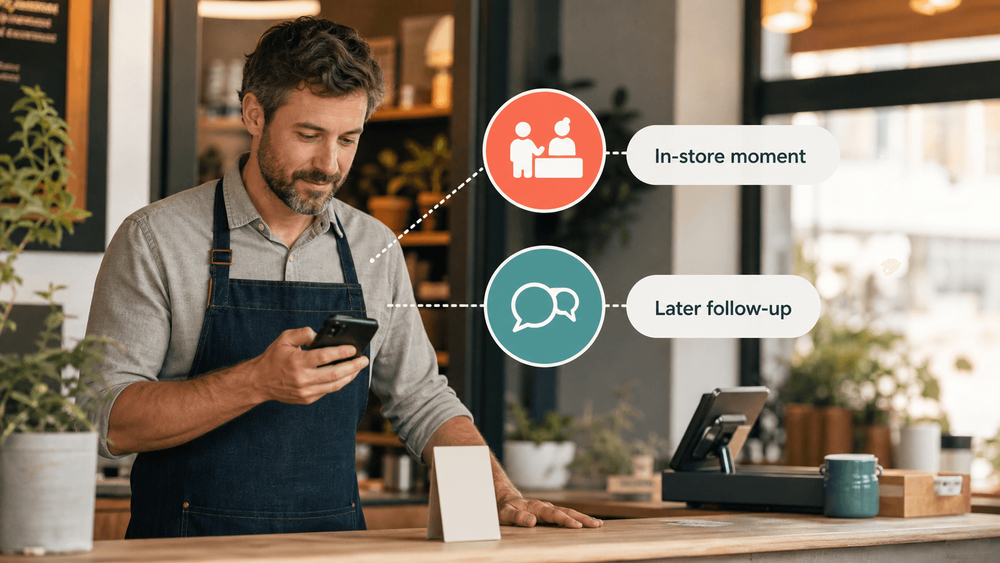
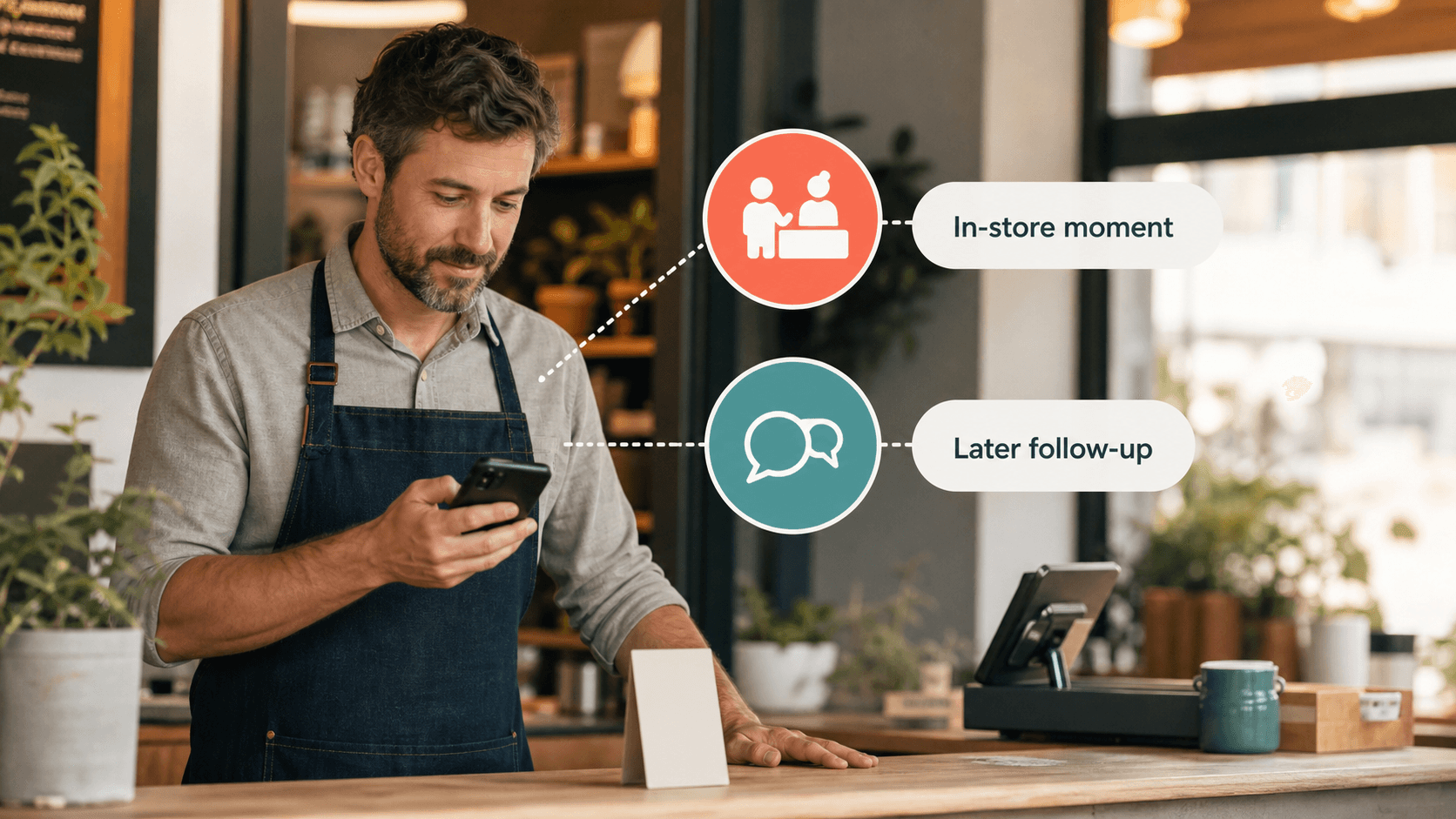
SMS review requests and in-store QR review workflows solve different parts of the same problem. SMS is useful when a customer has already left and you have permission to follow up. An in-store QR workflow is stronger when the customer is still in the experience, the details are fresh, and your team wants a repeatable way to turn that moment into a review draft, testimonial, social post, or other customer proof.
For most restaurants, cafes, salons, spas, gyms, boutiques, and other local businesses, the best answer is not "SMS or QR." It is a simple channel plan: use the in-store workflow to capture the moment, then use SMS only as a respectful follow-up for customers who have clearly opted in.
That distinction matters because reviews are not just messages. They are public trust signals. The workflow should help real customers say what they genuinely experienced, not pressure them, filter them, or manufacture positive reviews.
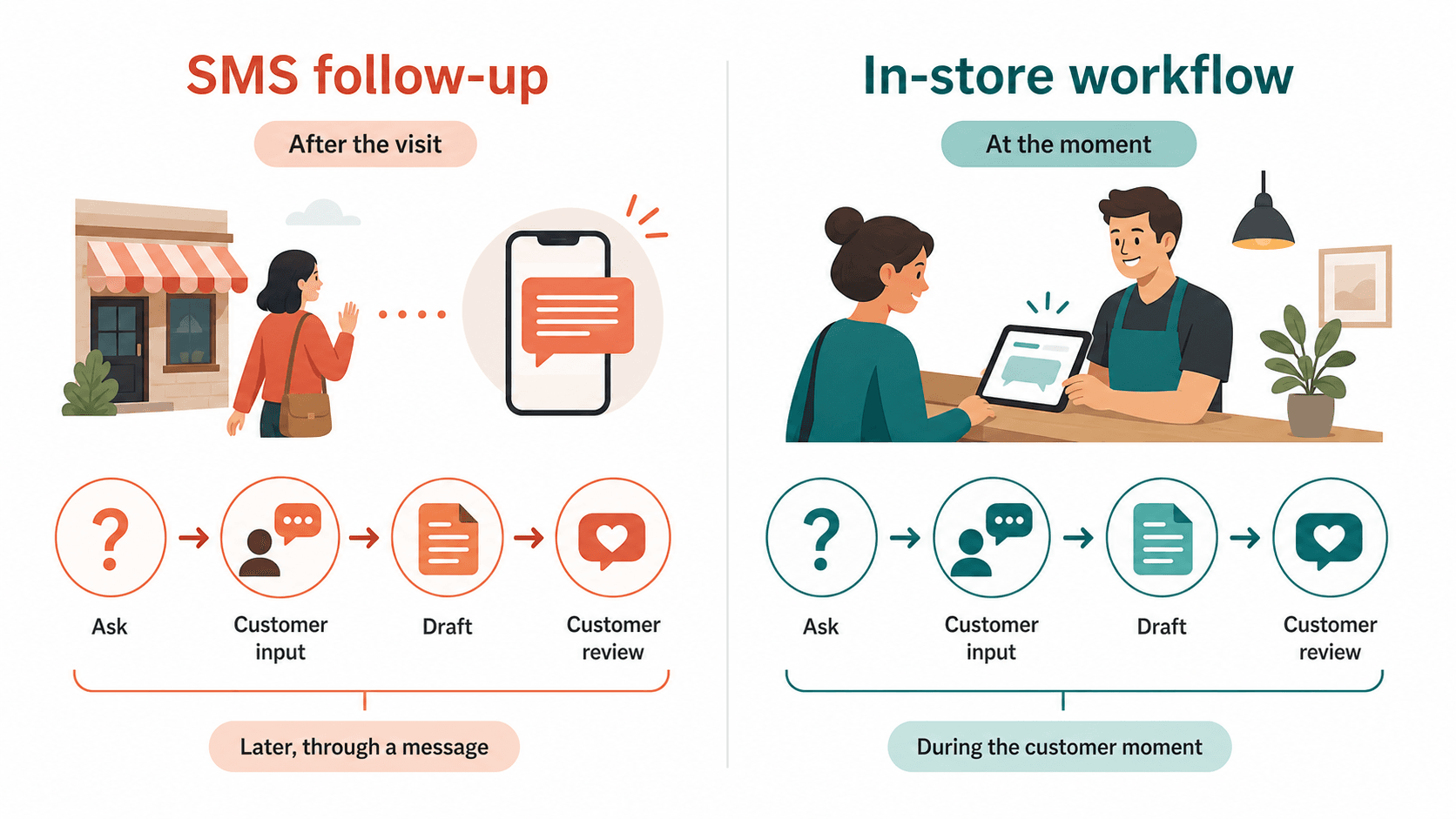
The practical difference: SMS happens later, in-store QR happens in the moment
An SMS review request usually reaches the customer after the visit. The customer may be in the car, back at work, at home, or already thinking about something else. That can still work, especially for appointment-based businesses that already collect phone numbers, but it depends on timing, consent, deliverability, and whether the customer still remembers useful details.
An in-store QR review workflow starts while the experience is fresh. The customer is at the table, checkout counter, front desk, salon chair, fitness studio, or service desk. Instead of asking the customer to remember everything later, the business gives them a simple way to respond right now.
That difference changes the customer experience:
| Question | SMS review request | In-store QR workflow |
|---|---|---|
| When it happens | After the visit | During or immediately after the customer moment |
| What the customer needs | A phone number, consent, and time later | A visible prompt at the right point in the visit |
| Best use | Follow-up, reminders, service updates, appointment aftercare | Capturing fresh compliments, specific feedback, review drafts, social proof ideas |
| Main friction | The customer may ignore the message or forget details | The team must place and explain the prompt naturally |
| Main risk | Messaging compliance, opt-outs, over-texting | Pushy in-person pressure if staff are not trained well |
| Best fit | Appointment businesses, service visits, known customers | Restaurants, cafes, salons, retail counters, gyms, spas, local services |
The cleaner workflow often starts in the store and uses SMS only when it adds value, not as the entire review strategy.
Why SMS review requests still have a place
SMS can be useful because it is direct. If a customer has already given your business permission to text them, a short follow-up message can make the review link easy to find. It can also support service businesses where the customer is not always in a storefront, such as home services, auto repair, clinics, classes, or appointment-based wellness businesses.
SMS works best when the message is specific, timely, and easy to ignore without guilt. A good text might say:
Thanks for visiting today. If you have a minute, your honest feedback helps our team improve and helps other customers know what to expect: [review link]
That message does three important things. It thanks the customer, asks for honest feedback, and avoids telling the customer what rating to leave.
SMS is weaker when it becomes a generic blast. If every customer receives the same robotic text two days later, the ask can feel like marketing automation instead of a real invitation. The customer may also forget the exact employee, product, dish, class, or service detail that would make the review useful.
There is also a separate permission issue. Texting customers is not the same as putting a sign on a counter. Businesses should treat SMS consent, opt-outs, message frequency, and carrier rules as their own compliance lane. The FCC's robocall and robotext rules include the customer's ability to revoke consent, and businesses should be careful about automated or promotional messages, especially when consent is unclear. For a small business, the practical rule is simple: do not text review requests to people just because you happen to have their phone number.
Why in-store QR workflows can capture better customer detail
In-store QR workflows are useful because they meet the customer at the moment of memory. The customer just tasted the dish, finished the haircut, picked up the order, completed the class, or praised the service. That is when they can still remember what made the experience worth talking about.
Google Business Profile lets businesses share a review request link or QR code to encourage customer reviews. That makes the QR code format familiar and legitimate when it is used responsibly. The important part is what happens around the QR code: the wording, the placement, the staff behavior, and whether the customer remains in control.
A weak QR setup says:
Scan this and leave us five stars.
A better setup says:
If you had a good visit, you can scan here to share honest feedback or leave a review.
The second version respects the customer. It does not demand a rating. It does not imply a reward. It does not ask only happy customers while steering unhappy customers somewhere else. It simply makes the next step easier.
For local businesses, the value of a QR workflow is not just that it opens a review page. A smarter workflow can help customers turn fresh details into useful content. They can choose experience-based keywords, add a few words in their own voice, and review a draft before anything is published. That is where an AI-assisted workflow can help without replacing the customer.
The compliance boundary both channels must respect
The safest review workflow starts with one rule: reviews must reflect real customer experiences.
Google's prohibited content rules say fake engagement is not allowed, including content that is not based on a real experience, paid reviews, and other manipulative review activity. The FTC's consumer review rule guidance also targets fake reviews, paid or incentivized sentiment, and certain review suppression practices. A local business does not need to become a lawyer to understand the operating principle: do not buy praise, do not filter for praise, do not write reviews for customers, and do not pressure customers to change honest negative feedback.
That boundary applies to both SMS and QR workflows.
For SMS, avoid messages like:
- "Reply YES if you had a great experience and we will send the review link."
- "Leave us five stars and get 10% off next time."
- "Only click this link if you are happy."
- "Can you change that review for a discount?"
For in-store QR, avoid scripts like:
- "Scan this before you leave so we can get another five-star review."
- "The manager checks whether every table leaves a review."
- "If anything was wrong, tell us privately instead of reviewing."
- "We are offering a free item for positive reviews."
The safer version is simple. Ask for honest feedback. Make the process easy. Let customers decide what to publish. Use private feedback to improve operations, not to suppress truthful public reviews.
A channel-by-channel decision guide
The right channel depends on the customer moment, not on which tool sounds more modern.
Use SMS when the customer relationship already includes messaging
SMS makes sense when texting is already part of the customer journey. Appointment confirmations, pickup notices, service reminders, class updates, or post-visit care instructions can create a natural reason for a follow-up message.
Good fits include:
- A salon sending a post-appointment thank-you message.
- A dental or wellness office following up after a visit.
- An auto repair shop texting after the customer picks up the car.
- A home service business checking in after the job.
- A gym or studio following up after a trial class.
The message should be short, permission-based, and honest. Do not send repeated reminders just to force a review. Do not mix the request with a discount for a positive rating. Do not treat silence as a reason to keep texting.
Use an in-store QR workflow when the customer moment is visible
In-store QR works best when the customer is physically present and the business can place the prompt where it feels natural.
Good fits include:
- A restaurant table tent near the end of the meal.
- A cafe counter card near pickup.
- A salon checkout card after the service.
- A retail receipt insert after a helpful shopping interaction.
- A spa front desk prompt after a treatment.
- A pet service pickup area after grooming or care.
The key is placement. The QR prompt should appear at a moment when the customer can understand why it is there. It should not interrupt the service, block checkout, or create social pressure.
Use both when the customer journey has two natural touchpoints
Many local businesses can use both channels if they keep the roles clear.
The in-store workflow captures the fresh moment. SMS handles respectful follow-up. For example, a restaurant can place a QR card on the table, then send a follow-up only to customers who joined a loyalty program and opted into texts. A salon can offer a feedback QR at checkout, then include a review link in a post-appointment thank-you message for opted-in clients.
This combined approach keeps the review request from depending on memory alone. It also reduces the pressure on staff because the QR workflow does the first job, while SMS is only a backup.
Where Vibpost fits in the QR workflow
Vibpost is built for the part of the review process that ordinary QR codes often miss: the customer moment before the review exists.
A basic QR code usually sends the customer to a blank review form. That is useful, but it still asks the customer to do the hard part: remember the experience, decide what to say, and write something useful from scratch.
Vibpost uses a smart review QR code workflow, called a Seeding Code inside the product, to help customers turn real experiences into review drafts, social posts, testimonials, and video scripts. The business can set store context and experience keywords. The customer can scan, choose the keywords that match their visit, add their own input, and review the draft before sharing or publishing anything.
That makes Vibpost different from a generic review link and different from a review response tool:
| Option | What it does | Where it fits |
|---|---|---|
| SMS review request | Sends a link or prompt after the visit | Good for permission-based follow-up |
| Static review QR code | Opens a review page from a printed code | Good for making the review page easier to reach |
| Vibpost smart review QR workflow | Helps turn a real customer moment into customer-controlled draft content | Good for creating a repeatable in-store customer proof workflow |
| Review response tool | Helps the business respond after reviews are already posted | Good for reputation management after the review exists |
Vibpost should not be used to manufacture reviews. It should be used to lower friction for real customers who have something genuine to say.
How to set up the safer version of either workflow
A local business can make either channel safer and more useful with a few operating rules.
1. Ask for honest feedback, not positive reviews
The wording should make it clear that the customer can share what actually happened. Avoid "five-star" language. Avoid rewarding positive sentiment. Avoid staff scripts that make the customer feel watched.
Better phrasing:
If you have a minute, your honest feedback helps our team and helps future customers know what to expect.
2. Put the request at the right moment
SMS works when it arrives soon after the visit and the customer expected to receive messages. QR works when it appears where the experience naturally ends. Bad timing makes both channels feel like pressure.
3. Let customers write, edit, and decide
If AI helps draft content, the customer should remain in control. The draft should be based on the customer's real inputs. The customer should be able to edit, discard, or publish nothing.
4. Keep private feedback useful, not manipulative
It is reasonable to give unhappy customers a way to contact the business, fix a problem, or share operational feedback. It is risky to route unhappy customers away from public review options while pushing only happy customers toward public reviews. The difference is intent. Use feedback to improve service, not to hide reality.
5. Measure process, not guaranteed outcomes
Do not judge the workflow only by whether review count jumps immediately. A healthier first-week test can track:
- Where the QR prompt was placed.
- How often staff mentioned it.
- How many customers scanned.
- Which keywords customers selected.
- Whether customers edited draft content.
- Whether customers chose a review, testimonial, social post, or private feedback.
- Whether SMS opt-outs increased after follow-up messages.
- Which customer questions came up.
That gives the business a practical way to improve without making unsupported promises about rankings, traffic, or revenue.
Which workflow should your business choose?
Choose SMS if your customer journey already includes permission-based messaging and the review request is a natural follow-up. Choose an in-store QR workflow if the customer experience happens in person and you want to capture fresh detail before it disappears. Choose both only when each channel has a clear role.
For most small local businesses, the best primary workflow is in-store first:
- Place the prompt where the customer moment naturally ends.
- Ask for honest feedback, not a specific rating.
- Help the customer turn real details into a draft they control.
- Reuse genuine customer proof responsibly.
- Use SMS only as a respectful follow-up for opted-in customers.
That setup gives your business a review workflow that feels less like a campaign and more like part of the customer experience.
FAQ
Is SMS better than a review QR code?
SMS is better for permission-based follow-up after a customer leaves. A review QR code workflow is better when the customer is still in the store, restaurant, salon, clinic, gym, or service location and can respond while the experience is fresh.
Can a business use both SMS and an in-store QR workflow?
Yes. A common setup is to use the QR workflow at the customer moment, then use SMS only for opted-in customers who expect follow-up messages. The two channels should not duplicate pressure. They should support different points in the customer journey.
Can AI help customers write reviews?
AI can help customers turn their own experience and selected details into a draft, but the customer should control the final wording and decision to publish. Do not use AI to create reviews without customer input or to write fake praise.
Is it okay to offer a discount for a review?
Be careful. Incentives tied to reviews, especially positive reviews, can create policy and consumer protection risk. A safer approach is to ask for honest feedback without conditioning any reward on the content, rating, or existence of a review.
What is the simplest starting point?
Start with one in-store QR prompt at the moment when customers naturally finish the experience. Use simple wording, train staff to avoid pressure, and measure scans, customer input, and feedback quality for one week before expanding the workflow.